
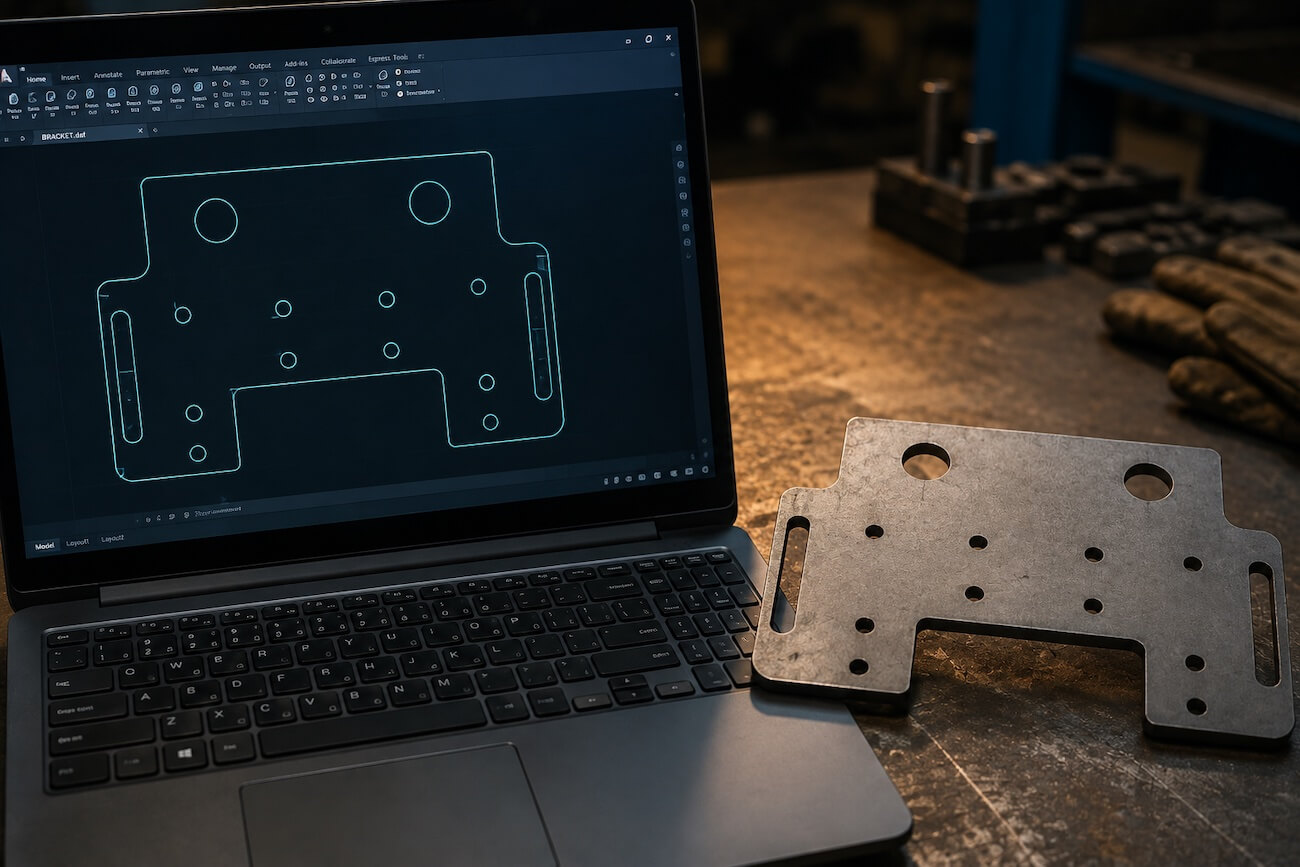
In contract cutting, most delays come not from the machine but from the file. An open contour, two overlapping lines or a drawing at the wrong scale sends the job back before it ever reaches production. This guide explains what to watch so that the DXF you send goes into production first time.
Why DXF?
DXF is a widely used exchange format that carries geometry between CAD programs without loss. The CAM software of the laser cutting machine reads that geometry directly and generates the cutting path. DWG is also accepted. A dimensioned PDF technical drawing can be used as well; but because the geometry then has to be redrawn, the process takes longer.
Checklist Before Sending the File
1. Contours must be closed. Every shape to be cut must form a closed curve. Lines whose ends do not meet produce no cutting path in the CAM software. Most CAD programs have a "find open contours" command; run it before sending.
2. There must be no duplicate lines. Overlapping lines can appear during copy and paste. The machine cuts the same place twice, which is both wasted time and a cut quality problem. Clean them up with "overkill" / "purge" commands.
3. Scale must be 1:1. The drawing must be at real size and in millimetres. Files in inches are the most common scale error.
4. Only the geometry to be cut should remain. Dimension lines, title blocks, borders, hatches and note text are not cutting geometry. Move them to a separate layer or delete them. Sending a separate dimensioned PDF is enough.
5. Text must be exploded. If text is to be cut or marked on the sheet, the text object must be converted to geometry (polyline). Otherwise the font may not be found on a different system.
6. Simplify splines. Spline curves with excessive node points slow the cutting path unnecessarily. Convert them to arcs and lines where possible.
7. One file, one part. Rather than mixing different parts into a single file, send separate files or separate them clearly by layer or name.
What the File Does Not Carry — Tell Us Separately
A DXF carries only geometry, not material. Write these out as well:
Material type (mild steel, DKP, stainless, galvanised, aluminium), thickness, quantity, any tolerance expectation and the lead time you need.
Without this information a file cannot be priced, and the quotation process takes at least one extra round.
If the Part Will Be Bent
For parts that will be bent, do not calculate the flat pattern yourself. Send a dimensioned drawing of the finished part; the bend allowance and flat pattern are calculated by us and the part is cut accordingly.
The reason is that the flat pattern depends on the machine and tooling used. A part cut to a different calculation can deviate by a few tenths of a millimetre on our press brake. Indicating the bend lines and angles on the drawing is enough.
Also make sure holes are not too close to the bend line on parts that will be bent; holes too close become oval during bending.
If You Have No Drawing
If you have a sample part, send it; we will take measurements and prepare the drawing. A dimensioned hand sketch is also enough to start with. In that case we submit the drawing for your approval before production.
In Short
Closed contours, clean geometry, 1:1 millimetre scale, and material–thickness–quantity information alongside. With those four in place, your file goes into production first time.
You can send your file for laser cutting and, if you also want bending and welding afterwards, run the whole process through a single supplier. See our sheet metal processing services page for all the steps.